
Campfire desktop app
A free app for Windows and Mac that runs quietly beside WoW: Forever. It installs your add-ons and keeps them up to date, keeps your characters current on WoW Campfire and fills your Campfire Collector trophy cabinet.
Campfire runs on Windows and Mac computers.
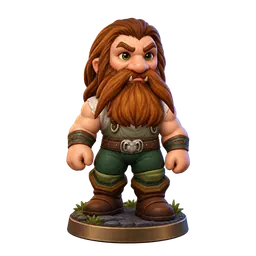
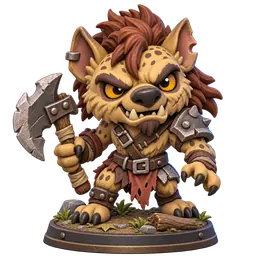



What it does for you
A better WoW Campfire for everyone
As you play, the app can send what your game sees to our database and map: creatures, gathering spots, drops, vendors, trainers and quests. It replaces old guesses with what the game really shows.
Your characters, always current
Sign in once with your WoW Campfire account and Battle.net. The app brings in every character you play, so My Campfire stays up to date without adding anyone by hand.
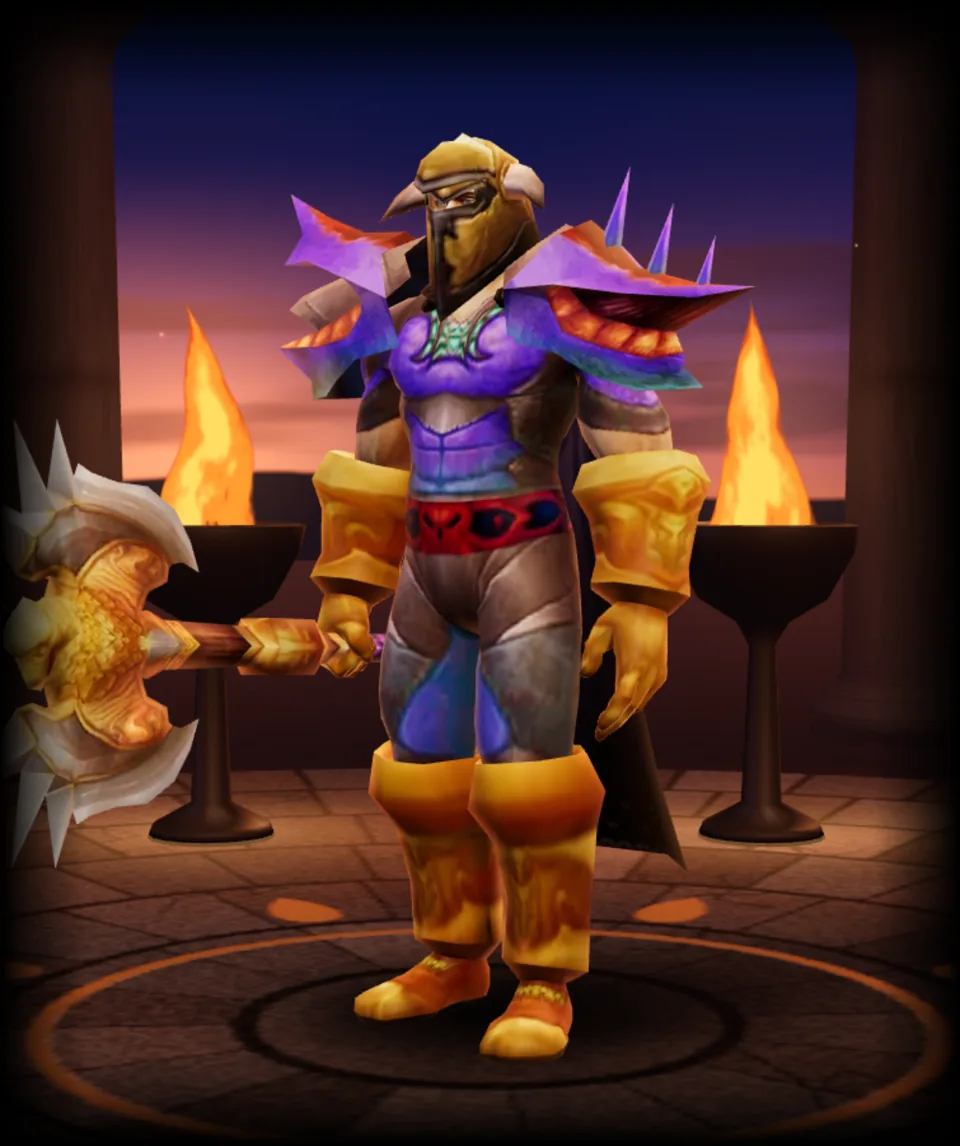
Fill your trophy cabinet
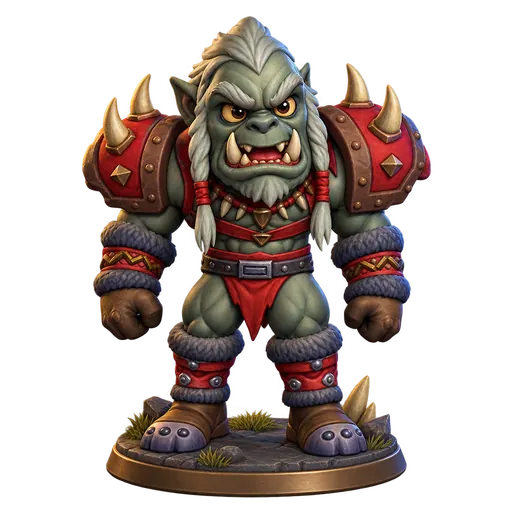
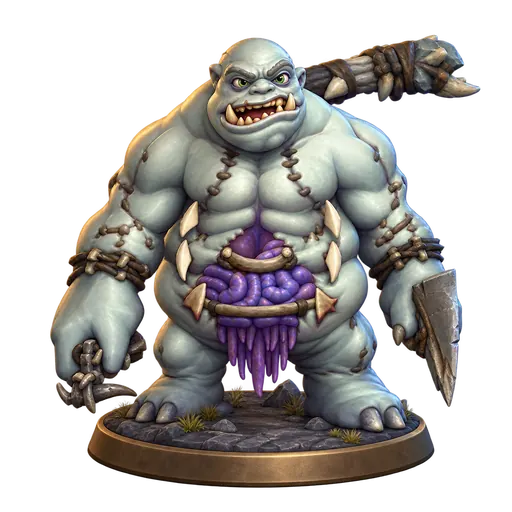
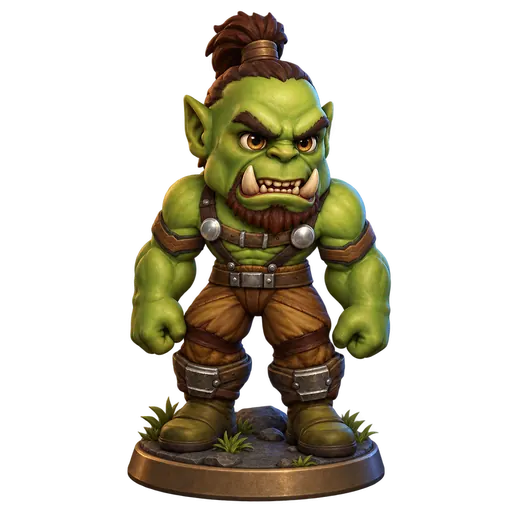
The creatures you defeat and the people you meet become trophies in the Campfire Collector, a cabinet in your game. The app installs it and brings in new trophy art every week.
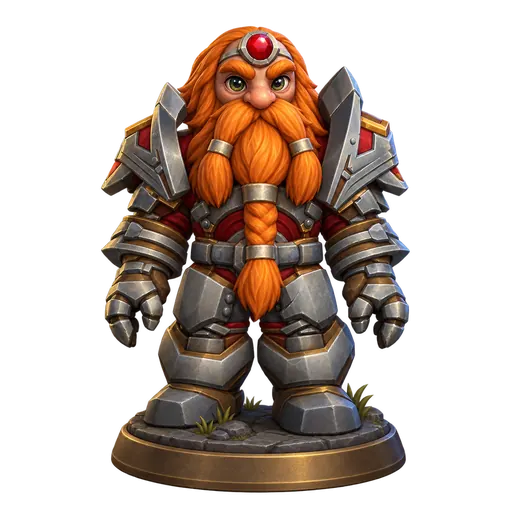

The add-ons it looks after
Pick the add-ons you want when you set it up. The app installs them and keeps them up to date, so you never copy a folder again.
Campfire Collector
Your trophy cabinet: the creatures you defeat and the people you meet, with new art every week.
Installed with the appWowdee
The free 1–60 leveling guide with a quest arrow, map pins, a gear finder and all your characters in one window.
Available nowCampfire Search
Find any NPC, quest, item or place in game and follow an arrow to it. It also notes what your game sees, for the WoW Campfire database and map.
Available nowGuild Quarters
For guilds.
Coming later
How it works
Install it
Download the app and choose your add-ons.
Sign in
Sign in with your WoW Campfire account and connect Battle.net, in your browser.
Play
That’s all. After you log out or type /reload, the app takes care of the rest.
How to install
Choose Download for Windows. When the download finishes, open it from your browser.
Your browser may say the file isn’t commonly downloaded, or block it as suspicious. It does this for files it doesn’t recognize yet. In Edge, choose the three dots and Keep, then the arrow beside Delete and Keep anyway. In Chrome, choose the download, then Download suspicious file.
Windows may say it protected your PC. It shows this for apps it doesn’t recognize yet. Choose More info, then Run anyway.
Choose Next, then Install. When it’s done, choose Next and Finish.
Campfire opens. Choose your add-ons and sign in with your WoW Campfire account.
What it shares
It shares
- World facts your add-ons record: places, drops, vendors, trainers, quests, flight times and the auction prices you scan.
- The name, guild, level, class, race and faction of your character who saw them.
It never shares
- Other players’ names, your gold, bags, mail or chat.
- Anything from the game itself. The app only reads your add-ons’ saved files.
Turn “Share what you discover” off in the app’s Settings at any time. Privacy policy
Questions
- Is it free?
- Yes.
- Does it slow down my game?
- No. It does nothing while you play. It reads your add-ons’ saved files after you log out or /reload.
- Do I need it for Wowdee?
- No. Wowdee works on its own. The app installs it and keeps it up to date for you.
- Why connect Battle.net?
- So we know which characters are yours, and your trophies and discoveries count for the right ones.
- Can I stop sharing?
- Yes. Turn “Share what you discover” off in Settings. The app keeps your add-ons up to date either way.
Get the Campfire desktop app
Campfire runs on Windows and Mac computers.